Your restaurant. Your orders. Your diners.
Platea gives your restaurant its own ordering page, its own payments and its own kitchen screen. One paid order moves through all three, and the record of it stays with you.
- Your own ordering page
- Online payment in every plan
- Kitchen display included
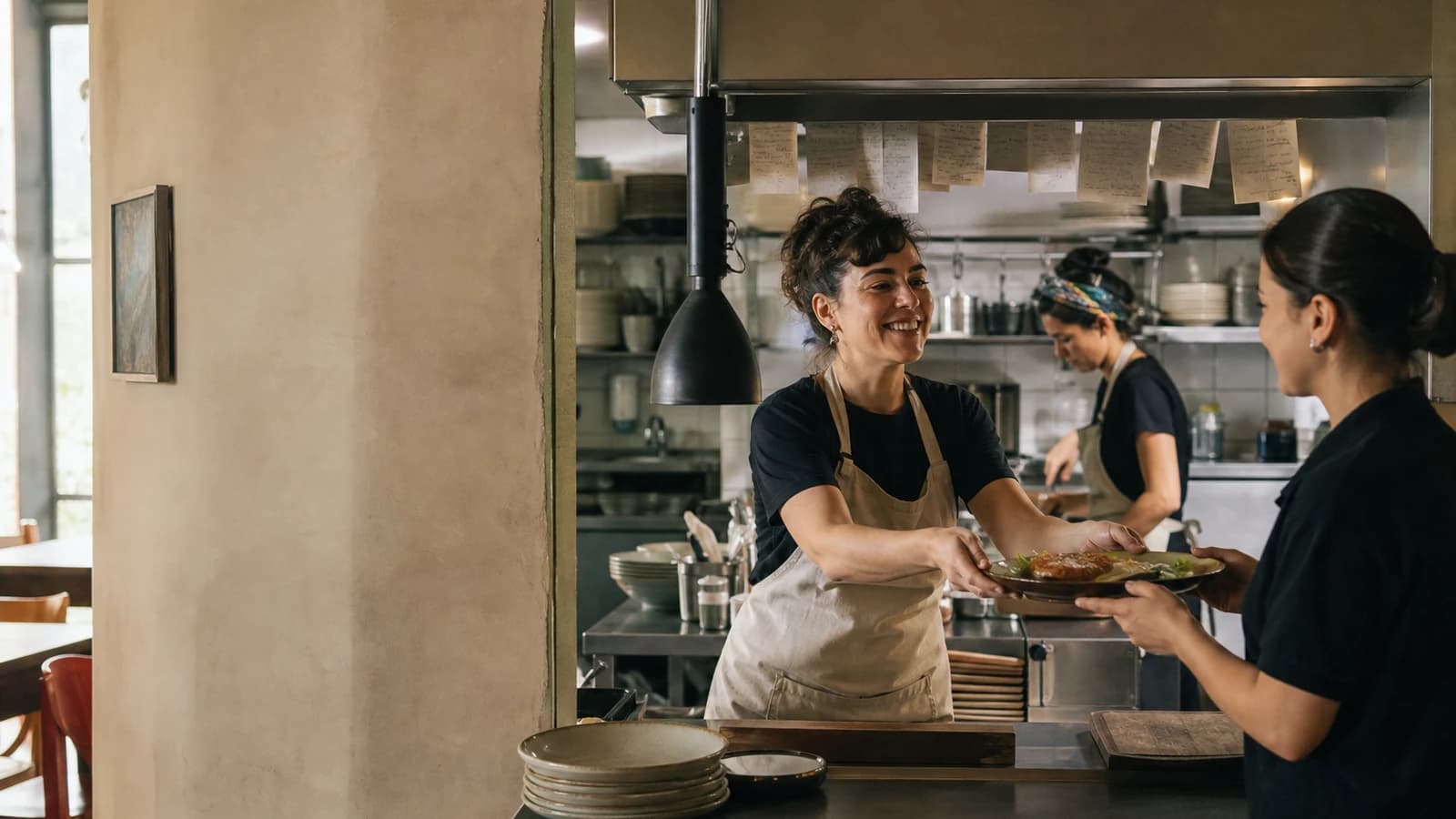
Where the money actually goes
Every charge on an order has a name and a source. The subscription is the one set here. Card processing follows your processor's agreement. Delivery follows your own zones and drivers. Nothing is folded into an unlabelled line.
Your storefront
platea.saascode.ai/r/your-restaurant
A branded ordering page on this instance's own address. One path per restaurant.Order ledger
Itemised before payment
Subtotal, discounts, delivery, tax and processing are shown to the diner on the same screen, before they pay.
Three ways an order reaches your kitchen
Pickup, delivery and dine-in run on the same order record and the same kitchen screen. What changes is how the order leaves the counter.
Pickup
A diner orders from your page and collects at the counter. Contact detail stays minimal and the pickup instructions travel with the order.
What that means in the product
A paid order reaches the kitchen display as an active ticket, in the sequence it was accepted.
Included in every plan.
Delivery
Your own zones and your own drivers. The address is resolved before the order can be placed.
What that means in the product
An address the geocoder cannot place with confidence blocks delivery and offers correction or pickup. It is never guessed.
Delivery operations are in Operación and Grupo.
Dine-in
A QR code on the table opens the menu with the table already confirmed, so the diner sees which table they are ordering for before anything is placed.
What that means in the product
The table is resolved from a signed token, never inferred from a label in the URL.
Table QR is included in every plan.
A kitchen screen that survives a bad connection
On wake, reconnect or a returning tab, the kitchen display refetches its full active set from the database before it trusts a single live event. Tickets are not silently dropped, and the sequence does not move.
Kitchen display
Active orders recovered
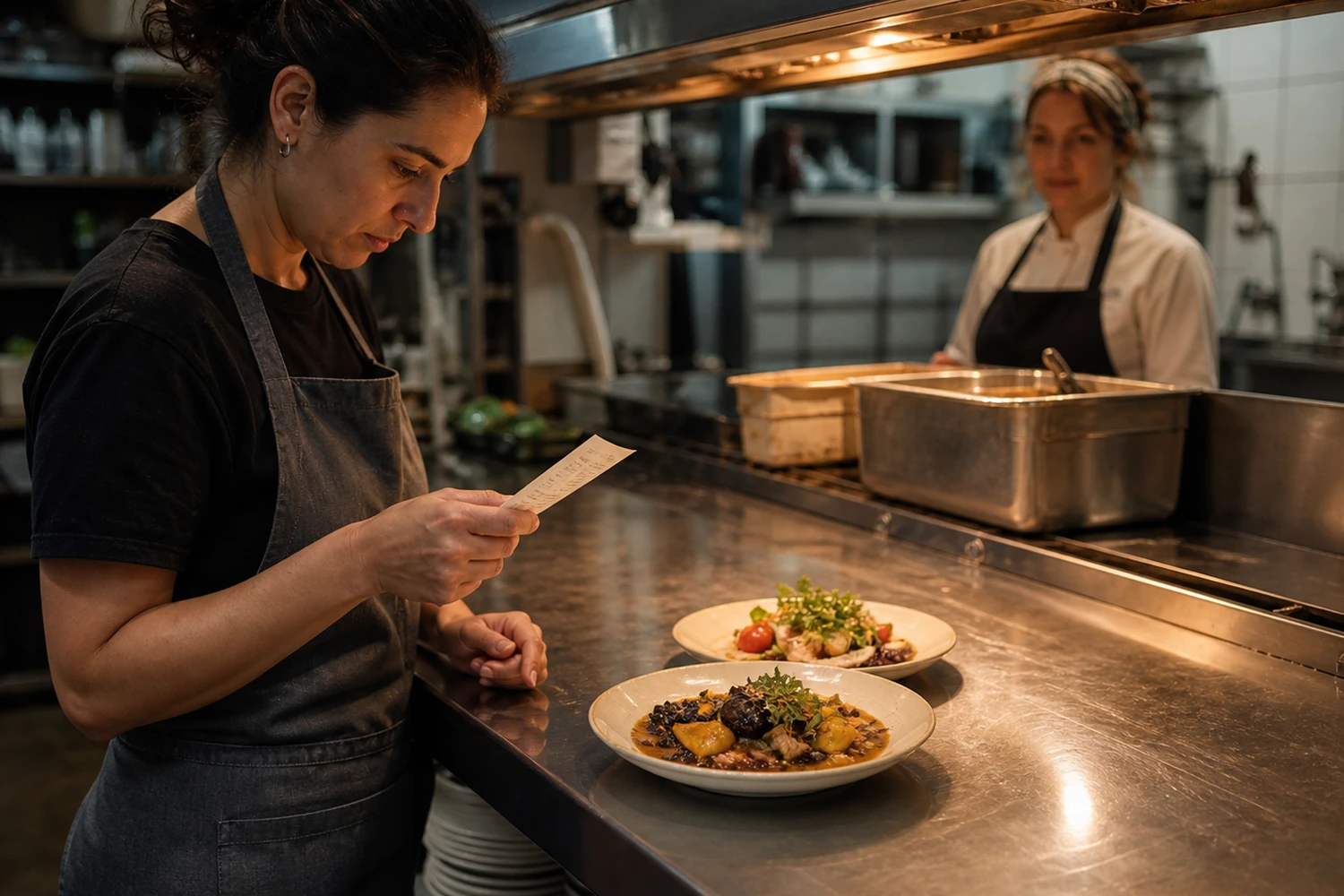
Locations and team, under your control
One organisation can hold several locations, each with its own hours, service modes and staff. Access follows assignment.
Locations
Hours, service modes and local overrides are set per location. Cross-location switching and group reporting arrive with Grupo.
Roles
Org admin, manager, kitchen and driver each see a different plane of the same operation. Hiding a menu item is never the authorisation; the server enforces it.
Assignment scope
A manager, kitchen or driver account with no active location assignment gets a blocked state and a contact path, never a tenant-wide fallback.
Printing, including the hardware part
Every plan can print a ticket from the browser. That fallback stays available even when a managed printer is unhealthy, which is why it is not the thing you pay extra for.
Managed printer bridge
Requires a compatible workstation; no managed mobile client.
The managed bridge is available in Operación and Grupo. Browser printing remains available in every plan.
The diner relationship stays yours, with a boundary
Order history and diner records belong to your restaurant. What you may do with them for marketing is a separate question, and the product treats it as one.
Consent is recorded, not assumed
A diner ordering from you is not a marketing subscriber. Marketing consent is captured explicitly and checked again at send time.
Campaigns are email
Campaigns send email. There is no other campaign channel in the product, so no inactive tab pretends otherwise.
Transactional stays separate
Order confirmations and status updates travel on their own path and are never mixed into a marketing send.
One restaurant, or several
The two situations need different things, so they are described separately rather than merged into one promise.
An independent restaurant
One kitchen, one counter, a team that changes shift by shift. The whole operation fits on one screen.
- One location, with its own hours and service modes.
- Staff accounts scoped to the roles they actually work.
- Online payment and browser printing from the entry plan.
A group of locations
Several locations under one organisation, with people who work across more than one of them.
- Locations added under a single organisation, each with its own configuration.
- Cross-location switching and group reporting arrive with Grupo.
- Staff assignments decide who sees which location.
Plans, read from this instance
These cards are read from this instance's own plan configuration, so they cannot drift from what you are charged.
The subscription is the only charge set here. Card processing follows your payment processor's agreement, delivery follows your own setup, and any diner-facing service charge is yours to itemise.
See it running before you decide
The demo walks a paid order from the storefront to the kitchen screen, on sanitised data.